1. Targeting Inventory
2. Exchanges and Deals
To target exchanges and deals
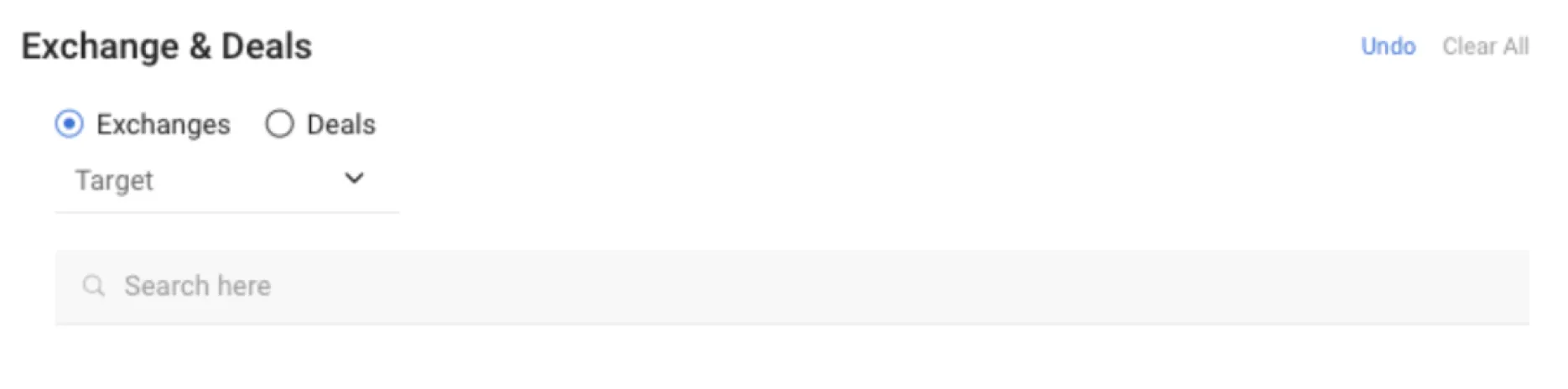
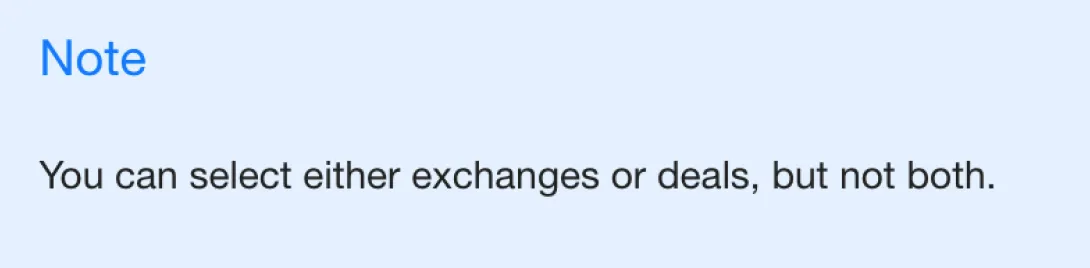
1. Select a radio button to target either the Yieldmo exchange or deals given by the Yieldmo team.
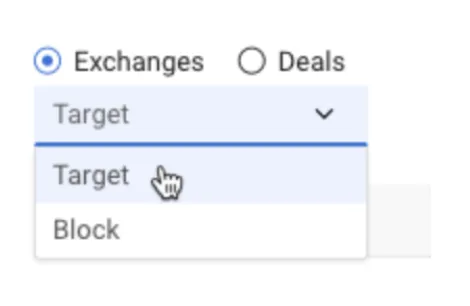
2. From the drop-down list, select Target or Block to set whether you want to target or block your selected exchanges or deals. If you want to target most exchanges, but block a select few, it might be easier to set up the line to block only those exchanges.
Do one of the following:
● Select Exchanges to target on one or more Yahoo or third-party exchanges.
● Select Deals to target a private marketplace deal.
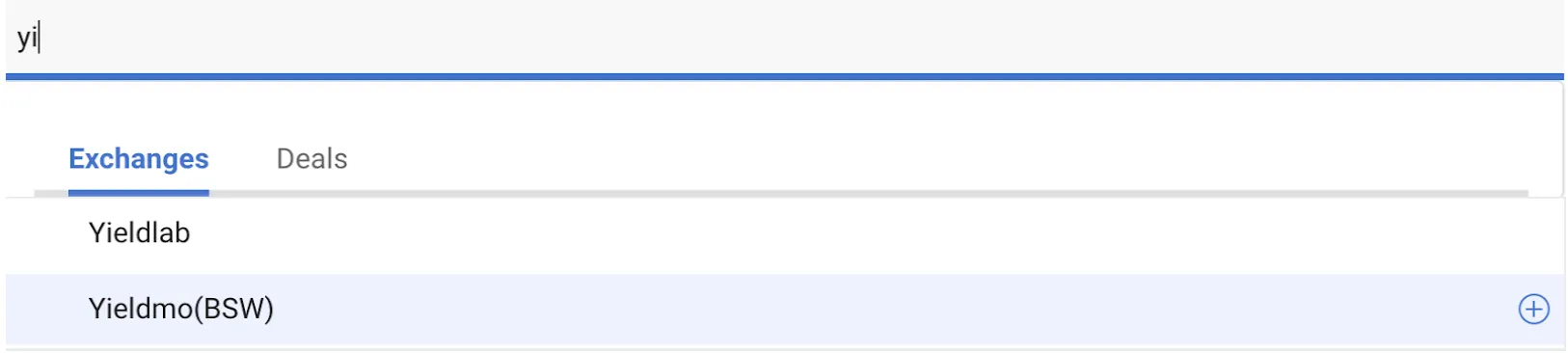
3. Search for your first exchange or deal from the drop-down list. Do one of the following:
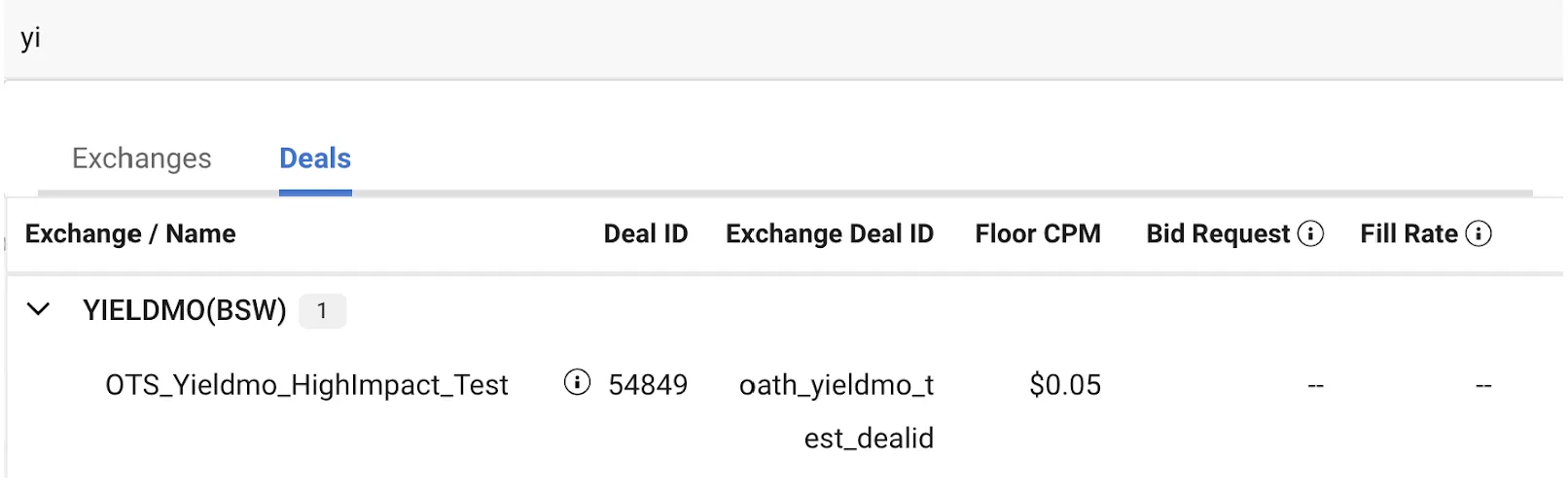
● If you selected Deals in Step 1, start typing the name of an exchange, deal name, deal ID, orexchange deal i d (grouped by exchange) to find the deal you want to target. You can expand exchange listings to see the deals under them.
4. Add the exchange or deal to the targeting criteria by clicking the plus sign to the right of the exchange or deal name.
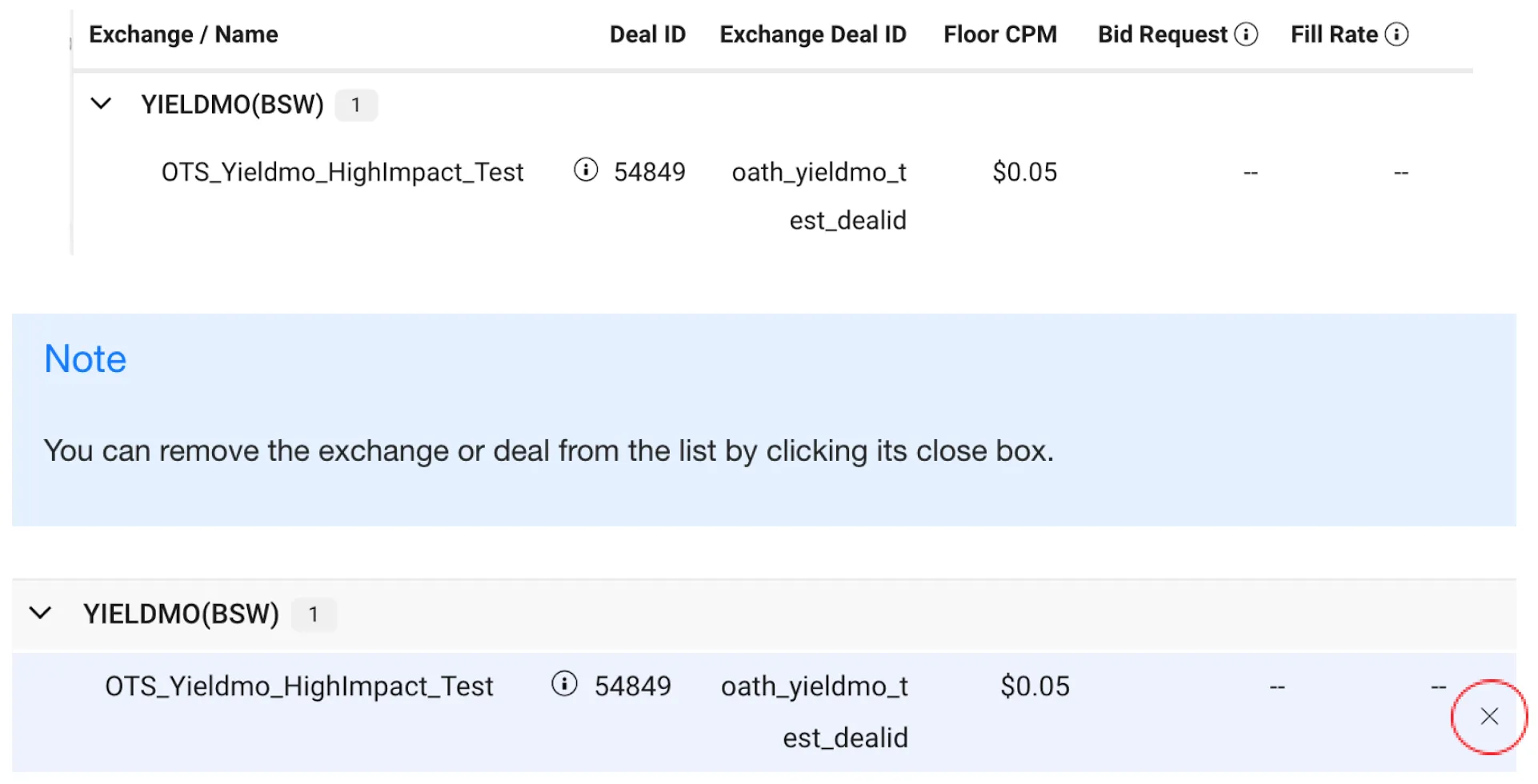
You see your exchange or deal in the field below the buttons. For example: